Batch Image Upscaler
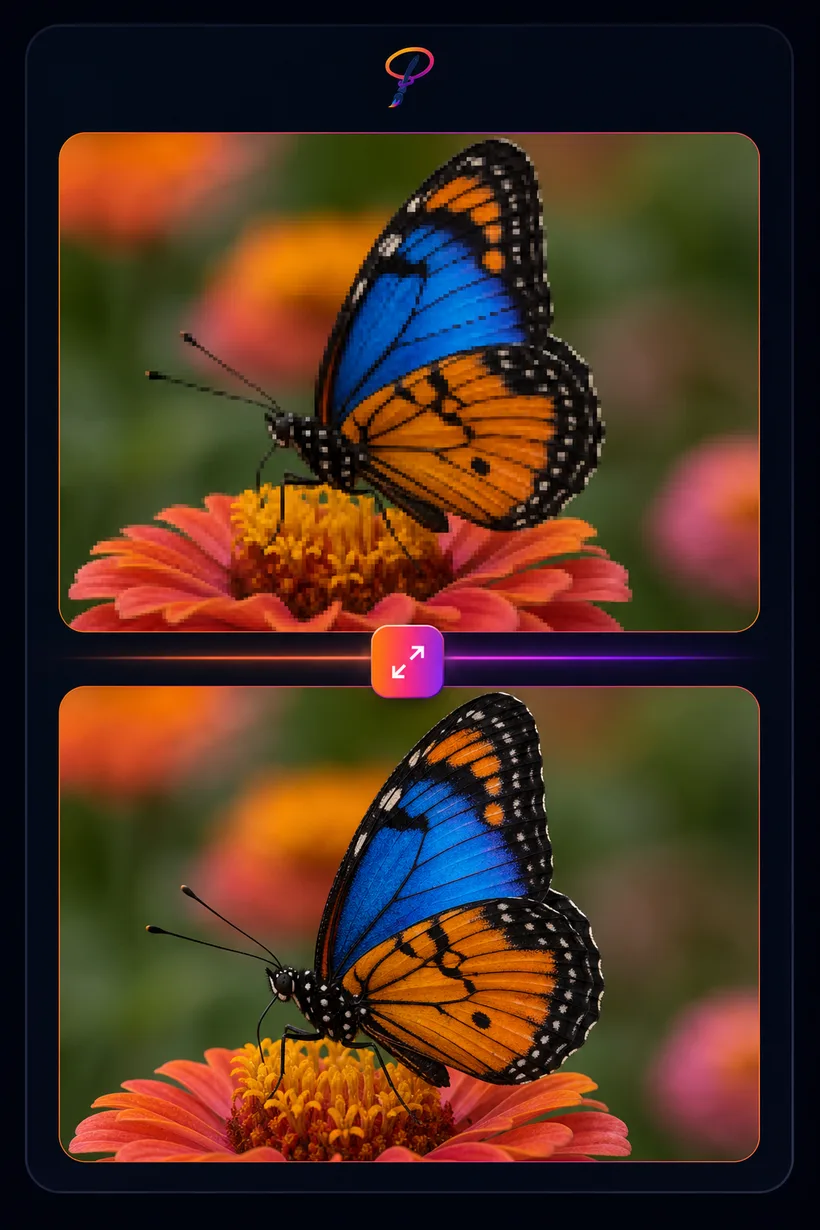
Enlarge images 2× or 4× without the blur. PaintLasso's AI rebuilds detail as it scales, so small or low-resolution pictures come back sharp and print-ready. Great for old photos, AI art, product shots, and game assets.
★ 1 credit per image · 5 free every month
Drop images, or click to choose
PNG, JPG, or WebP · add as many as you like · paste works too
How to upscale an image
- Drop your images. Add a whole folder if you like — they upscale together as a batch.
- Pick 2× or 4×, then click "Upscale all." The AI enlarges each one and rebuilds fine detail.
- Download. Save the enlarged results one by one, or all at once as a zip.