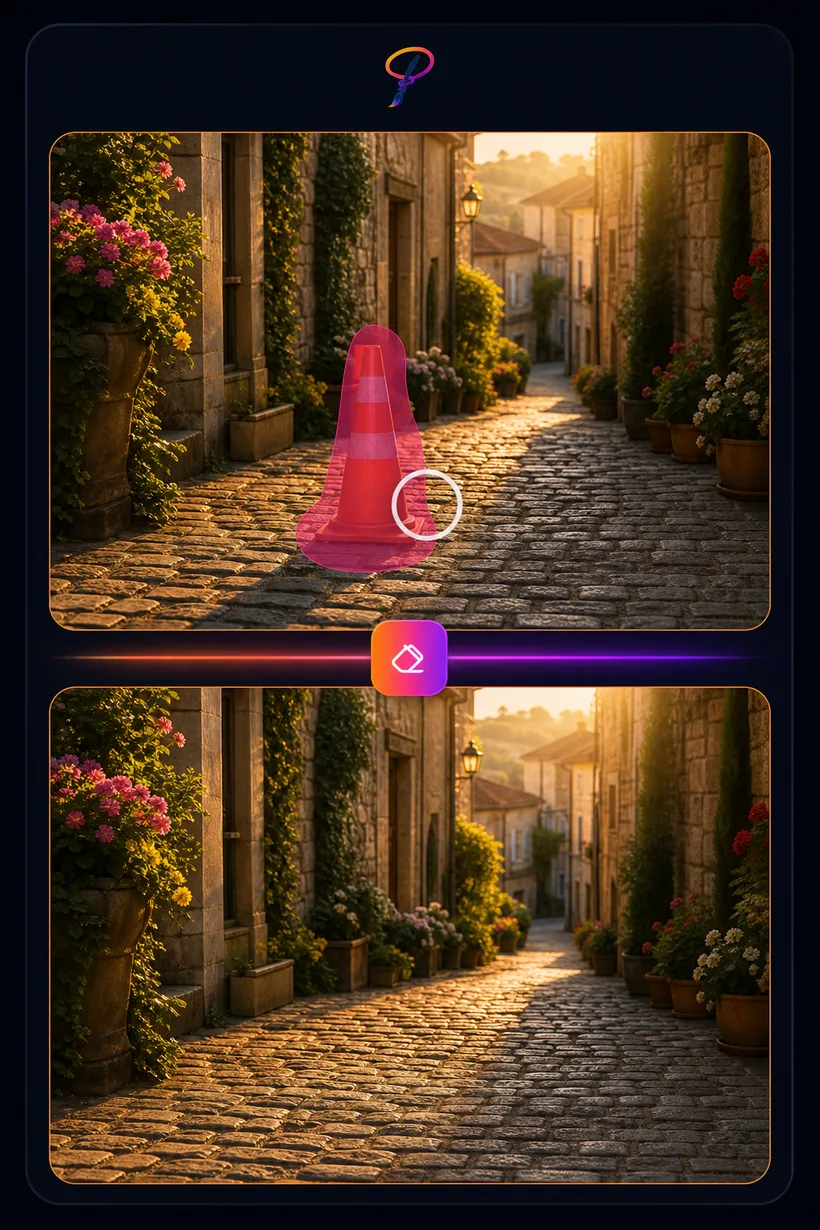
AI Object Removal
Brush over anything you don't want — a person, a sign, a power line, a stray object — and the AI paints it away, reconstructing the background behind it. Like Generative Fill, it works on a live selection, so it lives in the Studio.
★ 2 credits per removal · 5 free uses every month
Object Removal works on a live canvas selection, so it runs in the Studio's AI panel. Open the Studio, drop in your photo, and brush over what you want gone.
How to remove an object
- Open your photo in the Studio and select the object you want gone.
- Choose Remove — that's Generative Fill with no prompt.
- The AI rebuilds the background behind it. Download the result or keep editing.