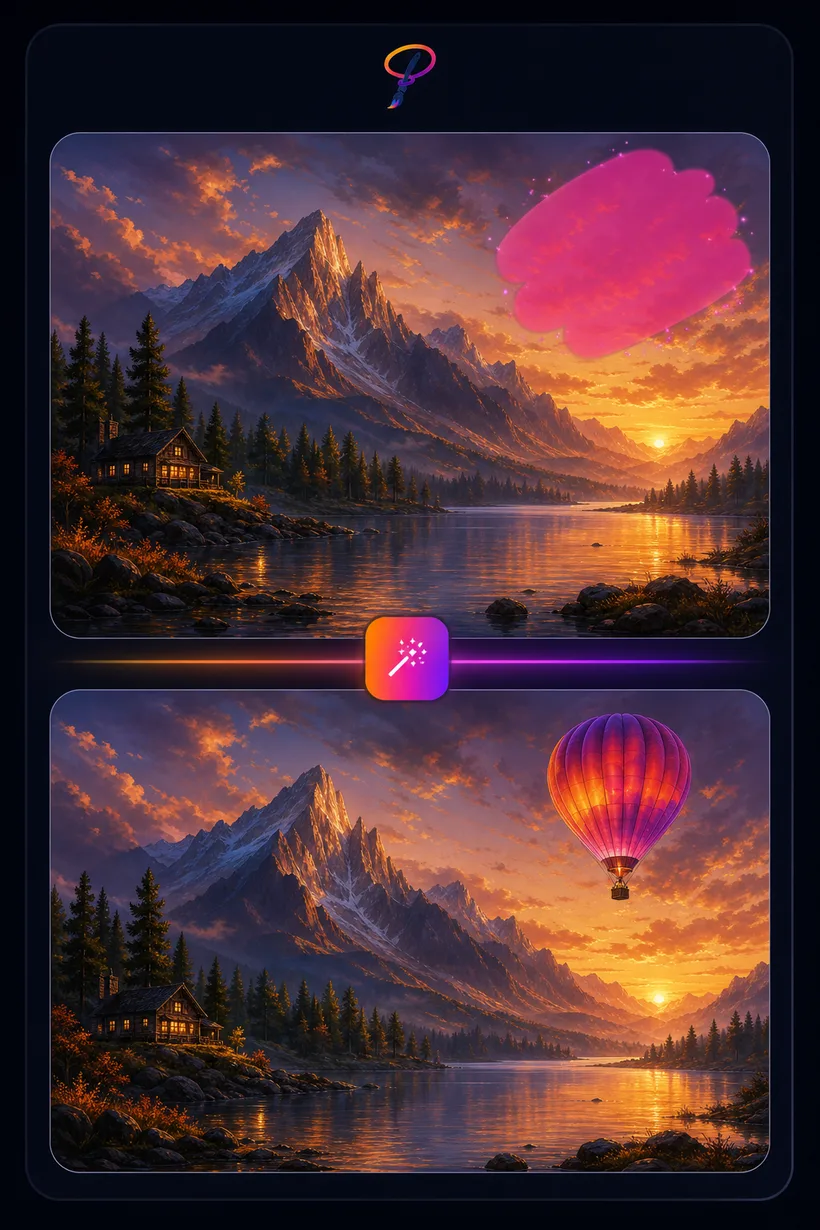
AI Generative Fill
Select any part of an image and tell the AI what should be there instead. Add an object, extend a scene, or replace a region — PaintLasso paints it in to match the existing lighting and style. Because it works on a live selection, Generative Fill runs inside the Studio.
★ 2 credits per fill · 5 free uses every month
Generative Fill needs a live canvas and a selection, so it lives in the Studio's AI panel rather than as a batch uploader. Open the Studio, drop in an image, and you're ready to go.
How to use generative fill
- Open an image in the Studio and lasso the area you want to change.
- Type what should fill it — for example, "a hot-air balloon in the sky."
- Generate. The AI fills your selection seamlessly, then keep refining right on the canvas.