Batch Background Remover
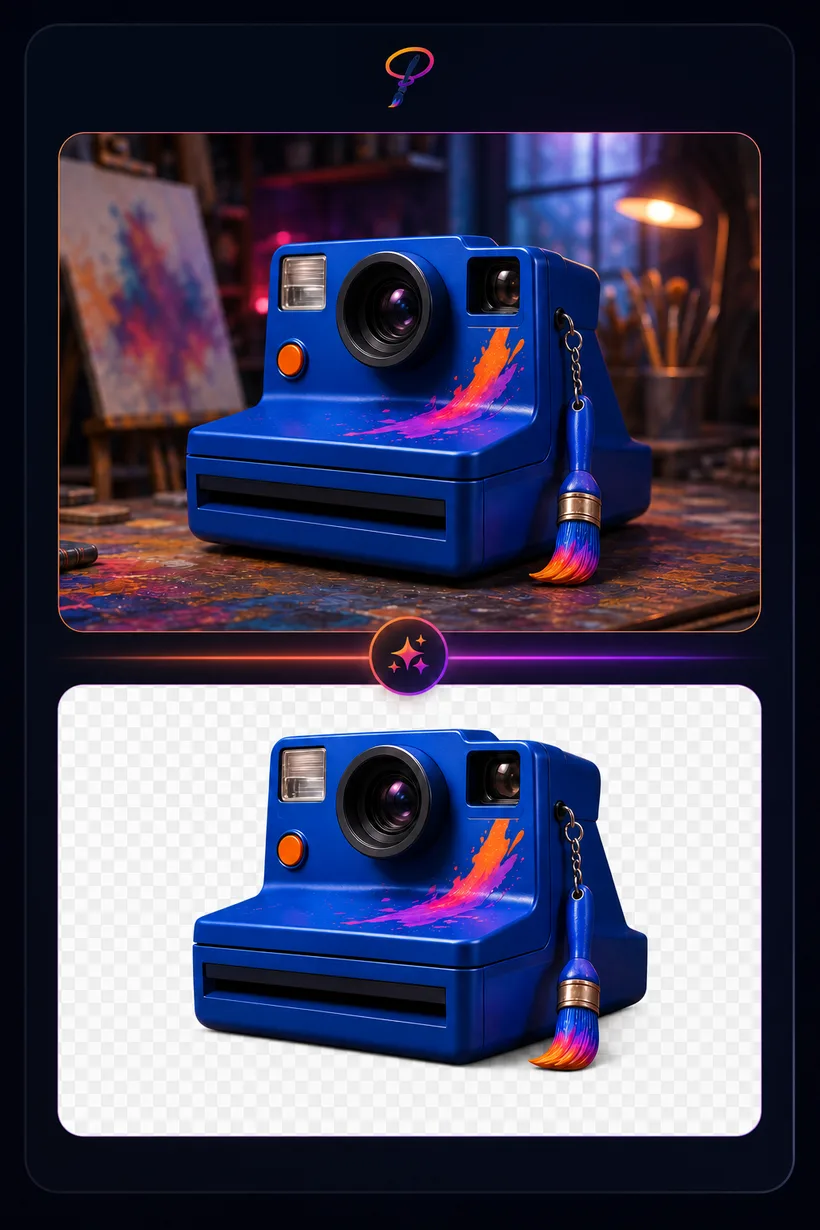
Cut any subject out of its background automatically. Drop a single image or a whole folder and PaintLasso's AI hands back clean, transparent PNGs — no manual masking, no green screen, no desktop software. Perfect for product shots, profile pictures, stickers, and thumbnails.
★ 1 credit per image · 5 free every month
Drop images, or click to choose
PNG, JPG, or WebP · add as many as you like · paste works too
How to remove a background
- Drop your images. PNG, JPG, or WebP — add as many as you like, or paste straight from your clipboard.
- Click "Remove backgrounds." The AI finds the subject and erases everything behind it in a few seconds.
- Download. Save each transparent cut-out on its own, or grab the whole batch as a single zip.