Draw a color study
Keep a sketch, base colors and shading on separate layers. Try changing one color while leaving the linework intact.
Learn about layers PaintLasso
 for education / Early beta
Bring drawing, pixel art and frame-by-frame animation into an art lesson, a game design project or a quiet moment to sketch. PaintLasso's local creative tools are free to use in a supported browser.
Explore teacher & student accessTry the free workspace
Teachers can apply for complimentary Pro access and starter AI credits for themselves and their students. Applications are reviewed. Approved access periods and credit allowances apply.
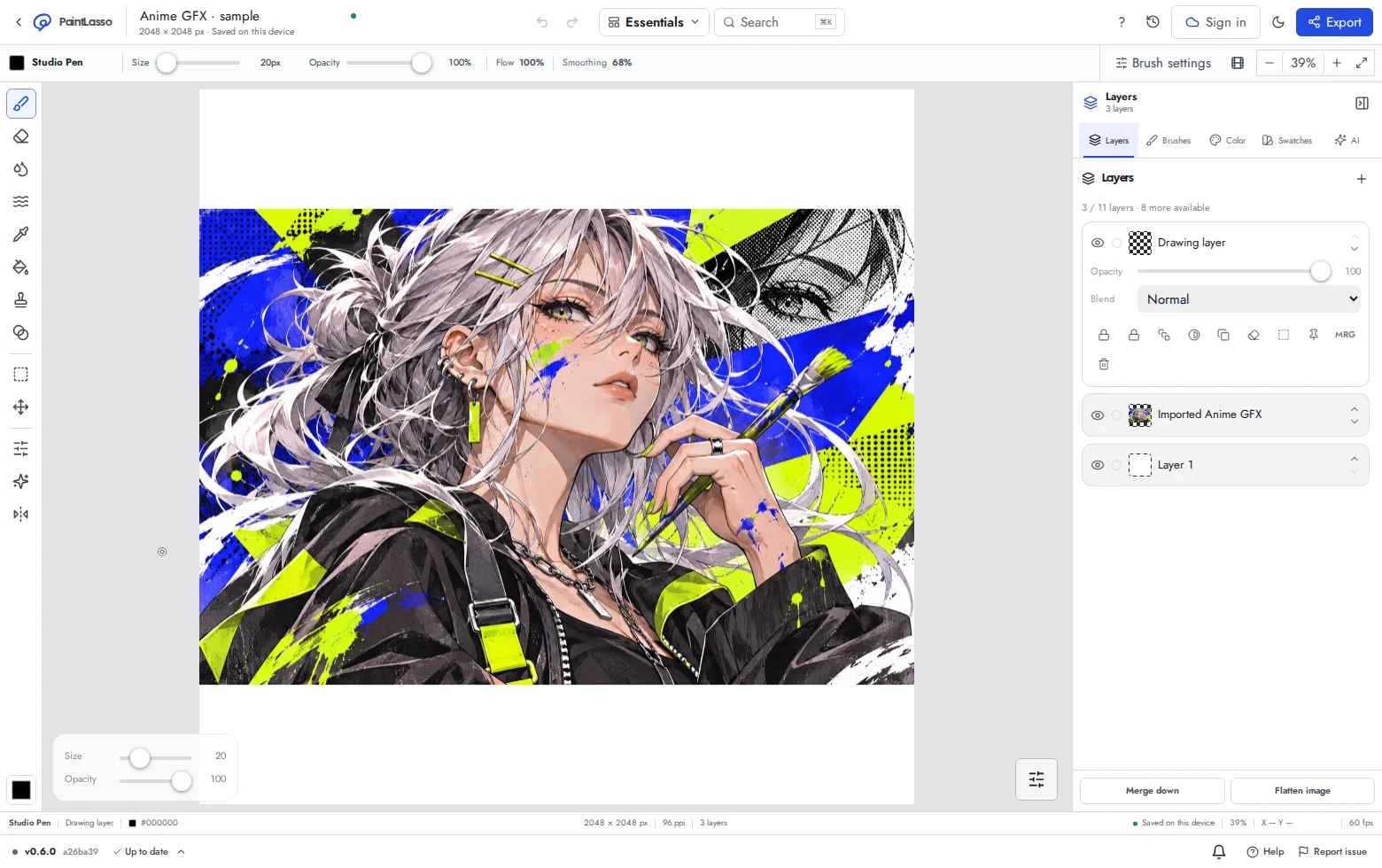
Keep a sketch, base colors and shading on separate layers. Try changing one color while leaving the linework intact.
Learn about layersStart with a small pixel canvas and a limited palette. Build a recognizable character using shapes and contrast.
Follow the pixel art guideDraw a few frames of a bouncing shape or blinking character. Use onion skin and playback to compare the movement.
Explore frame animationClassroom tools are in early beta. Tell us which teaching workflows would help you through PaintLasso support.
No. The local painting, pixel art and animation tools are free. Education access is a separate reviewed program; optional online AI features use credits.
No. Submitting an application does not activate benefits. Approved access has a defined period and credit allowance, shown in the education workspace.
PaintLasso works in supported modern browsers, including browsers available on Chromebooks. School device policies, performance and stylus support vary. Test the workspace on your own devices first.
Student self-service is for people who meet the minimum age of 13, or the higher minimum in their country, and have the required permissions. This release does not support accounts for children under 13. Review the privacy policy and terms before classroom use.
Local projects stay in the browser on that device. Export important images and source projects as backups, especially on shared devices or devices whose browser data is cleared.
Try PaintLasso Annotate in one lesson. The free Chrome beta lets you highlight instructions, draw arrows, and switch back to using the page.
Try the Annotate beta